




 English
 Français
 Deutsch
 Português
 Español
 русский
  한국어
한국어 العربية
 Italiano
 Indonesia
 Schweiz
 Polski
 Nederlands
 ישראל - עברית
 Perzisch
 ไทย
ไทย 日本語
日本語 ኢትዮ-አማርኛ
 Việt Nam
 Kiswahili
 Srpski
 Ελληνικά
 简体中文
简体中文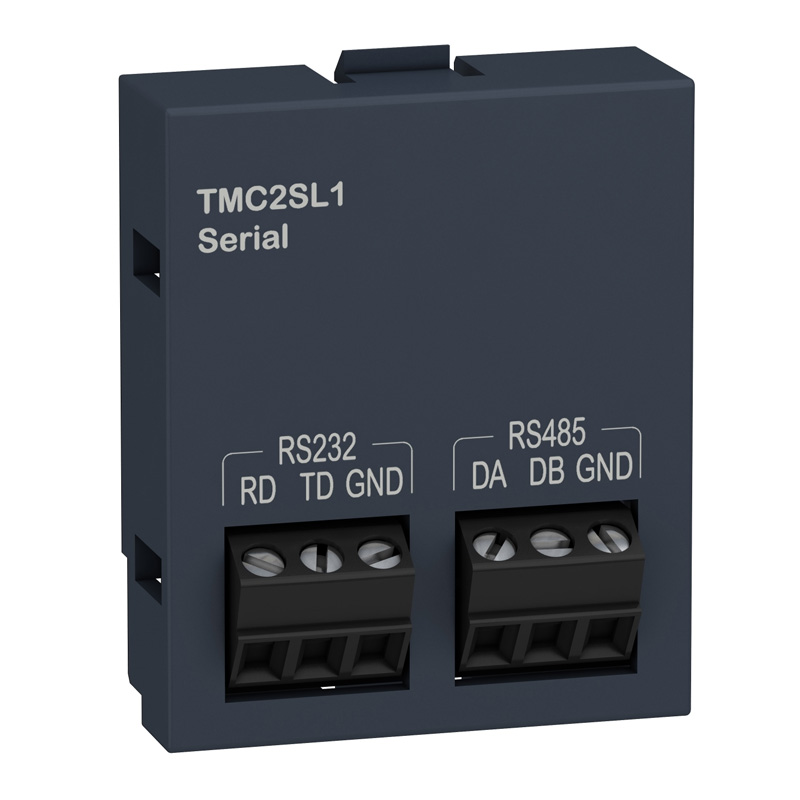
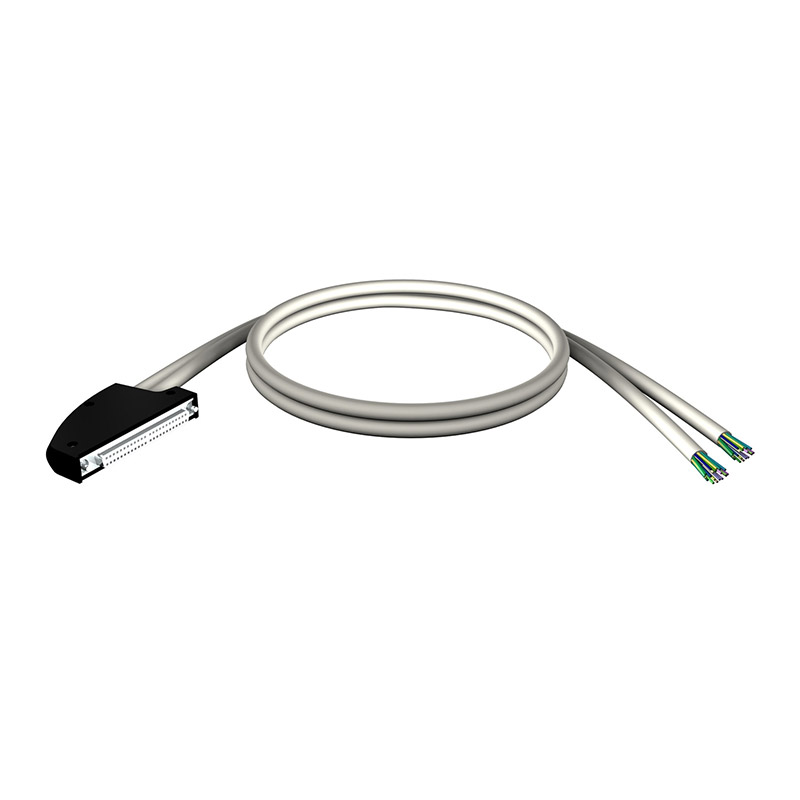
Schneider TMC2SL1 PLC Accessories Modicon M221
Brand:
Series:
Modicon M221
Product Type:
Communication expansion board
Model:
TMC2SL1
Order Number:
TMC2SL1
Description:
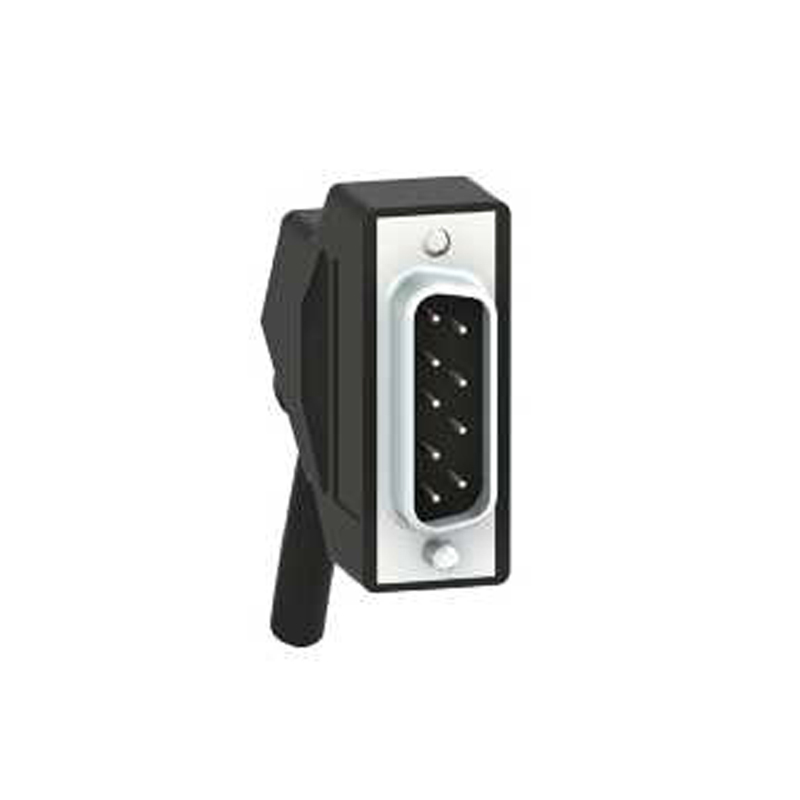
Schneider Modicon M221 TMC2SL1, communication expansion board, 1 additional serial communication port, screw terminal
Product parameters
| Product attributes | Attribute value | Filter product attributes |
|---|---|---|
| Brand: | Schneider | |
| Series: | Modicon M221 | |
| Product Description: | 1 additional serial communication port, screw terminal block | |
| Product Type: | Communication expansion board |
Products with the same attribute : 0
Show details
Series Overview
Series Overview
Product Features
-
SoMachine Basic is an easy - to - use and quick - to - get - started programming software for project development of Modicon M221 all - in - one and book - type programmable controllers. It can automatically convert application projects written on TwidoSuite and TwidoSoft software.
-
SoMachine Basic software can shorten the project development cycle, and the software navigation is simple and intuitive
- The interface of SoMachine Basic software is newly designed and very easy to get started:
- User - friendly interface, quick to get started: Simplified interface design allows you to easily find the required information
- Provide multiple functions to improve work efficiency
- Connect your computer to the controller
- During the programming, debugging, and maintenance stages, you can connect the computer to the controller through multiple paths.
- The interface of SoMachine Basic software is newly designed and very easy to get started:
Communication Cable Connection
- Use the USB - B communication port and connect the computer to the M221 controller through the communication cable TSXCNANUM3P (mini - USB to USB).
Modem Connection
- For some maintenance operations, connecting through a modem can reduce the frequency of on - site support.
- The modem component SR2MOD03 connected to the M221 controller must be configured during hardware configuration, and the controller will be automatically initialized (Hayes initialization string)
- On the computer side, SoMachine Basic software will be associated with a specific modem connection and stored in the project (including the phone number used)
Ethernet Connection
- Through the Ethernet communication port comes with the controller itself, Ethernet and Modbus TCP/IP communication protocols can be used
- Connect the M221ppp programmable controller and the cable.
Wireless Bluetooth Connection
- Wireless Bluetooth communication allows you to move freely within a range of 10 meters around the programmable controller.
Product Function Navigation
- SoMachine Basic software provides intuitive visual navigation.
- The display interface of the software has been optimized, and you can select various stages of the project development cycle (configuration, programming, debugging, etc.)
- Each interface is divided into two areas:
- A selection list area
- A work area for performing operations related to the current task
Project Management
- The project management function is used for:
- Create a new project
- Open projects on the computer (hard disk, CD, U disk, etc.)
- Restore projects from the M221 programmable controller
- Open Twido projects and convert them automatically
- Create new projects on the existing project template
Properties
- In this interface, you can enter the identification data of the new project, such as:
- Detailed information of the project creator
- Company information of the project creator
- Information related to the project
- Project protection information
- Application protection information
Configuration
- Configuration can be used for:
- Perform hardware configuration using the "Catalog" option according to your actual application:
- Programmable controller (Modicon M221)
- I/O expansion module (Modicon TM2, Modicon TM3)
- Standard expansion board and application expansion board
- The graphic editor allows you to conveniently complete the combination of various components through simple drag - and - drop operations.
- Configure all hardware functions according to the application selection:
- Discrete quantity, analog I/O
- Perform hardware configuration using the "Catalog" option according to your actual application:
High - Speed Counter
- Pulse generator output:
- Pulse Width Modulation (PWM)
- Pulse Generator (PLS)
- Pulse Train Output (PTO)
- And communication ports (Ethernet, serial port)
Product Functions
- The organization form of the programming program is POU (Program Organization Unit) or program segment. The program segment is composed of rungs (RUNG), which simplifies the reading and navigation inside the program
- POU contains various application tasks: main tasks, periodic tasks, interrupt tasks.
- The following programming languages can be used:
- Instruction List (IL) language
- Ladder Diagram (LD) language
- Rungs define all component connections in the application
- The ladder diagram editor provides an intuitive and efficient programming mode
Drag - and - Drop Operations
- Shortcut keys and toolbars can be selected according to user - predefined files
- The provided template library can help quickly write high - level function programs
- Quickly connect graphic elements when creating network communication
- Quickly connect created variables with elements in the ladder diagram
- Context - related online help
- Project backup, which can be backed up even if the ladder diagram connection is not completed
- Automatic analysis and compilation
- Support online modification and modification in running mode
- The interface is more intuitive and vivid
- Search and replace functions
Transmission
- Tasks that can be performed during the transmission stage.
Network Connection:
- Automatically detect the controller connected to the computer according to the network communication port (USB, Ethernet, Bluetooth) type
- Transfer application programs between the computer and the controller
- Controller firmware upgrade
- Backup and restore controller data:
Application Program
- Firmware information
- Storage area
- SD memory card management
- Controller information
- System clock management
Counting Function
- SoMachine Basic software provides two counting functions for the M221 programmable controller.
- High - speed counting HSC
- Access this counter through the 32 - bit %HSC function block. The counter can be programmed to perform the following functions: count up/down, count up/down in both directions
Frequency Meter
- The counting pulses come from the incremental encoder or proximity switch (count up/down) connected to the built - in fast input of the M221 programmable controller.
- Fast counting FC
- The 16 - bit %FC fast counter can count up or down the pulses from the fast input of the M221 programmable controller (rising edge).
Position Control
- SoMachine Basic software provides 3 position control functions for the M221 programmable controller. For example, it can be used for
- Control functions of stepping motors.
PLS Function
- The %PLS function block is used to generate pulses with a certain frequency. In some cases, the frequency is fixed, and in some cases, the frequency is not fixed (for example, in the speed control stage of driving a stepping motor).
- The %PLS function block is assigned to the %Q0.0 or %Q0.1 output address of the M221 controller.
- The values generated by each %PLS function block are different but have a fixed change, which can form two frequencies of "on" and "off".
PWM Function
- The %PWM function block generates pulses with a fixed frequency, and the output signal has different duty cycles. The duty cycle is a dynamic variable, called %PWM.R, and this variable ranges from 1% to 100%.
- The %PWM function block is assigned to the %Q0.0 or %Q0.1 output address of the M221 controller.
- According to the user - defined %PWM function block in the M221 controller, the %Q0.0 or %Q0.1 output address generates an output pulse signal.
PTO Function
- The PTO function uses pulse sequences to realize position control, depending on the type of driver, using pulse + direction (P/D) signals or CW/CCW signals.
- These pulses are generated by the %Q0.0 or %Q0.1 output address of the Modicon M221 programmable controller.
Event Handling
- The application program can manage event tasks.
Event Source Types
- Internal input events
- High - speed counter (%HSC) events
- Periodic events (time)
- Each event task executes a single sub - program
- Process control (PID control)
- 14 PID control programming methods
- Self - tuning method
- Analog quantity PWM output signal
- Linear conversion of measurement input values
- Two alarm levels for measurement values (high and low)
- Output limit value control
- Direct action and reverse action

Rachel
Industrial Control Sales Specialist: Focuses on delivering high-performance, cost-effective industrial control products. Offers end-to-end one-stop procurement support—covering rapid quotation, streamlined order fulfillment, and responsive after-sales service—to simplify clients’ procurement processes.
Email: Anthony@icxsg.com
We offer competitive product pricing. For fast support, send your email, phone, address, and the product model & quantity you want—we’ll reach out quickly!
We typically respond via email within one business day! You can also contact us at Anthony@icxsg.com